Feature · Privacy controls
Monitoring your compliance team can sign off on.
Consent by default, on-device redaction of sensitive content, a switch for every capture feature, and an audit log on every access.
- default mode
- Visible
- redaction
- On-device
- every access
- Logged
In one paragraph
What privacy controls is, in one quotable answer.
WorkPulse is built so that monitoring policy is explicit and configurable rather than all-or-nothing: employees see a consent screen and live status window by default, sensitive apps and sites are blurred on the device before upload, every capture feature has its own switch for the organization, and all access to monitored data is role-gated and written to an audit log. Silent (invisible) mode exists for organizations whose policy and jurisdiction permit it, as a deliberate opt-in, not a default.
How it works
How does WorkPulse handle privacy controls?
-
Set your capture policy
Screenshots, screen recording, webcam snapshots and silent mode are independent switches. Turn on only what your policy and jurisdiction allow, and leave the rest off.
-
Employees are informed by default
First-run onboarding, a consent screen, and a persistent status window tell agents exactly what is tracked. Visible mode is the default posture.
-
Sensitive data never leaves the device raw
The blur pipeline redacts password managers, banking, and your custom-listed apps and sites on the agent machine, before upload.
In the product
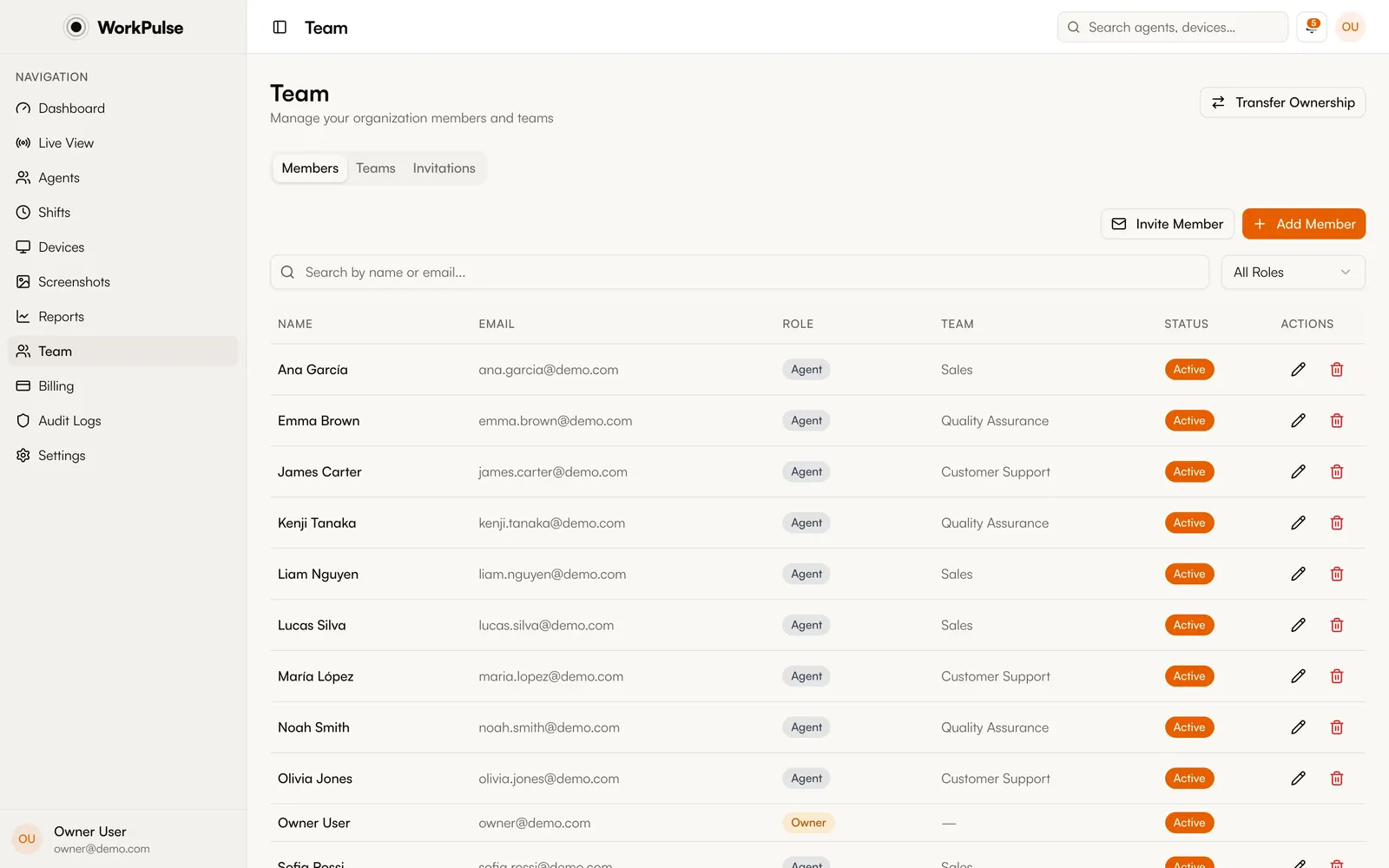
This is the real team settings, not a mockup.
The details
The details that matter.
-
Only what you switch on
Every capture feature starts from an explicit choice. Run visible mode with screenshots off, or full tracking where your policy permits it. Nothing is captured that you did not enable.
-
Role-based access + audit logs
Who can view screenshots, replays, and reports is role-controlled, and every access is logged. Supervisor accountability is part of the design.
-
Encryption everywhere
AES-256 at rest, TLS 1.2+ in transit, local agent data encrypted with OS-keychain-held keys, and private object storage for captures.
-
Legal groundwork included
A ready-to-adapt employee monitoring notice, DPA, and acceptable-use policy ship with the product; see the legal pages in the footer.
Is silent monitoring legal?
It depends on your jurisdiction and often on employment contracts and notices. WorkPulse defaults to visible, consent-based monitoring and offers silent mode as an explicit setting for organizations whose policies permit it. Consult your counsel, and use our monitoring notice template as a starting point.
What gets blurred automatically?
Password managers and banking apps and sites out of the box; you can extend the list with your own apps and domains. Blurring happens on the agent's device before anything is uploaded.
Can employees see what is being collected?
In visible mode, yes: the status window shows monitoring is active, and the consent screen at first run spells out what is tracked.
Who can access captured data?
Only dashboard roles you authorize, and every access is written to an audit log. There is no anonymous or unlogged viewing path.
Keep exploring
Related capabilities.
-
Automatic screenshots
Multi-monitor captures at your interval, with sensitive apps blurred on the device before upload.
-
Session replay
Continuous screen recording assembled into a day you can scrub, with app context alongside.
-
Shifts & breaks
Check-in from the tray, automatic breaks on idle, and break policies that enforce themselves.
Run a tighter floor, remote or not.
Set up in under 5 minutes. Pay only for the seats that actually work.
Create Free AccountNo credit card required · Cancel anytime · Uninstall in one click