Feature · Shifts & breaks
Shift & break tracking without the timesheet theater.
Check-in from the tray, automatic breaks on idle, and break policies that enforce themselves, softly.
- tray check-in
- 1 click
- idle becomes break
- Auto
- forgotten sessions
- Closed
In one paragraph
What shifts & breaks is, in one quotable answer.
WorkPulse tracks shifts and breaks from the agent's own machine: agents check in and out from a system-tray app, idle periods convert to breaks automatically, and per-day break quotas and durations are enforced with soft notifications rather than lockouts. Supervisors get accurate shift totals and break data without collecting or auditing manual timesheets, and abandoned sessions are closed automatically by a server-side sweep.
How it works
How does WorkPulse handle shifts & breaks?
-
Agents check in from the tray
Starting a shift is one click on the tray icon. The agent tracks from check-in to check-out; nothing is recorded outside the shift.
-
Breaks handle themselves
Going idle flips the agent to break automatically; coming back resumes the shift. Agents can also start breaks manually, against the quota you configure.
-
Policy enforces softly
Break count and duration limits are checked continuously. Exceeding one triggers a notification to the agent and visibility for the supervisor. WorkPulse never locks a screen or blocks work.
In the product
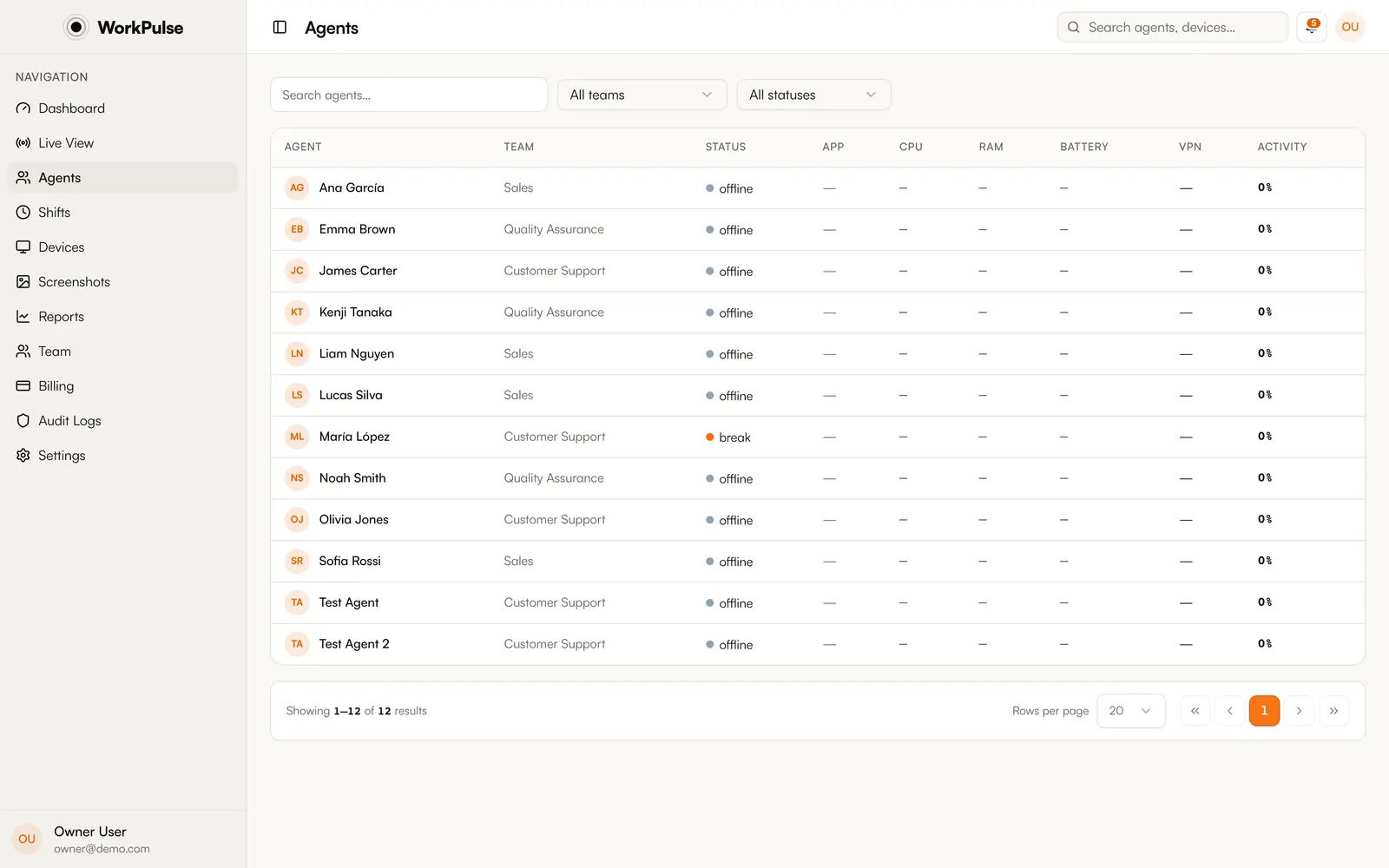
This is the real agent roster, not a mockup.
The details
The details that matter.
-
Auto-close for ghost sessions
Forgot to check out? A server-side sweep closes abandoned shifts automatically, so totals stay honest without supervisor cleanup.
-
Per-day break quotas and durations
Configure how many breaks per day and how long each may run. Policies are unified across the agent and dashboard, and violations notify once, not nag loops.
-
"On machine, not checked in" is its own status
An agent at their computer who hasn't checked in shows as a distinct "pulse" state, so you can tell "working off the clock" from "not there at all".
-
Feeds payroll-grade totals
Shift and break data is the same activity-verified data used for billing (the 24-hour active-seat threshold), so hours are backed by real input signals.
What if an agent forgets to check out?
A background sweep detects abandoned sessions and closes them automatically, so shift totals do not inflate overnight.
Can WorkPulse block agents who exceed their break time?
By design, no. Break policies are enforced softly: the agent gets a notification and the supervisor gets visibility. Monitoring software should never stop someone from working.
Does idle time count as work?
No. Idle periods convert to break time automatically based on the threshold you configure, so "active shift hours" means hours with actual activity.
Can break policies differ by team?
Yes. Set the break quota and duration once for the organization, then override them for any team that runs different limits. Teams without an override inherit the organization policy.
Keep exploring
Related capabilities.
Run a tighter floor, remote or not.
Set up in under 5 minutes. Pay only for the seats that actually work.
Create Free AccountNo credit card required · Cancel anytime · Uninstall in one click