Feature · Session replay
Replay any shift like a video.
When a number looks wrong or a dispute lands on your desk, don't reconstruct the day from fragments. Scrub through it.
- to any afternoon
- 2 clicks
- minutes recorded off shift
- 0
- session export
- CSV
In one paragraph
What session replay is, in one quotable answer.
WorkPulse session replay lets supervisors play back an agent's recorded screen for any day, synchronized with the applications, sites, and activity levels captured at each moment. The player is day-scoped with a timeline you can scrub, includes environment snapshots (running applications and processes) alongside the recording, and supports CSV export of the underlying session data for QA and audits.
How it works
How does WorkPulse handle session replay?
-
Enable recording where you need it
Screen recording is its own switch, separate from screenshots. Turn it on when full replay matters (QA, disputes, compliance) and leave screenshots alone either way.
-
The agent records during shifts
Recording runs only while the agent is on shift. Clips upload through the backend to private encrypted storage; the agent never talks to storage directly.
-
Scrub the day in the player
Pick an agent and a day; the player assembles the day's clips into one timeline. Tabs show what applications and processes were running at any point, and the whole session exports to CSV.
In the product
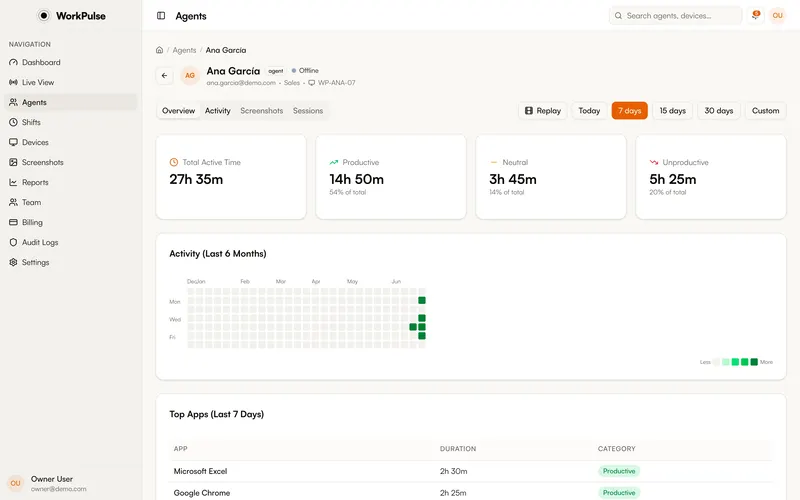
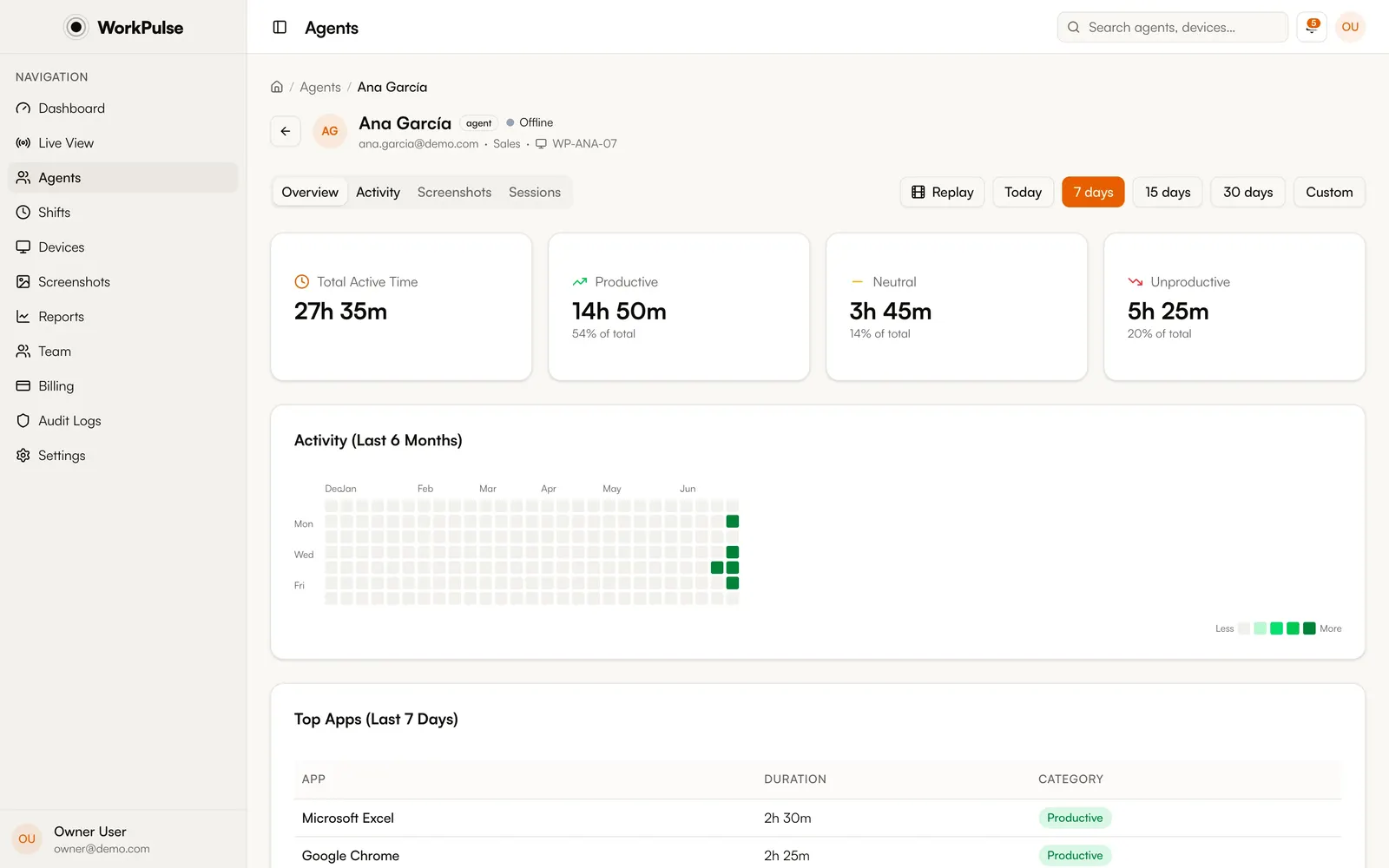
This is the real agent view, not a mockup.
The details
The details that matter.
-
Day-scoped player
Replay is organized by calendar day per agent, so finding "what happened Tuesday afternoon" is a two-click operation, not a search through raw clips.
-
Environment snapshots
Alongside the video, WorkPulse records which applications and background processes were running. Useful when the question is "was the CRM even open?"
-
Shift-gated recording
Nothing records outside a checked-in shift. Lunch on a personal machine stays personal.
-
Export and audit trail
Session data exports to CSV, and replay access is covered by role-based access control and audit logs, so you can see who watched what.
Does session replay record all the time?
No. Recording runs only when you have switched it on for your organization, and only during checked-in shifts. Outside a shift, nothing is captured.
How is replay different from screenshots?
Screenshots are periodic still captures; session replay is continuous screen recording assembled into a scrubbable day timeline with synchronized app and process context. Many teams run screenshots broadly and replay only where full fidelity matters.
Who can watch replays?
Only dashboard roles you authorize. Every replay view is written to the audit log, so replay access is itself accountable.
How much history is kept?
90 days by default, extendable to 6 months or a full year, included in the plan.
Keep exploring
Related capabilities.
-
Automatic screenshots
Multi-monitor captures at your interval, with sensitive apps blurred on the device before upload.
-
App & URL tracking
Every app and site, captured and classified, so you know where the shift hours actually go.
-
Privacy controls
Visible by default, redaction on the device, and every capture switch in your hands.
Run a tighter floor, remote or not.
Set up in under 5 minutes. Pay only for the seats that actually work.
Create Free AccountNo credit card required · Cancel anytime · Uninstall in one click