For call centers
Run a remote call center like you can see the floor.
Live status for every agent, shifts and breaks that track themselves, and evidence on hand when QA or a dispute needs it.
$7 per active seat · every feature included · no dialer integration needed

- $7 per active seat
- Every feature included
- Install in under 5 minutes
- Blurred on-device
- Only 24h+ seats are billed
In one paragraph
What WorkPulse does for call centers, in one quotable answer.
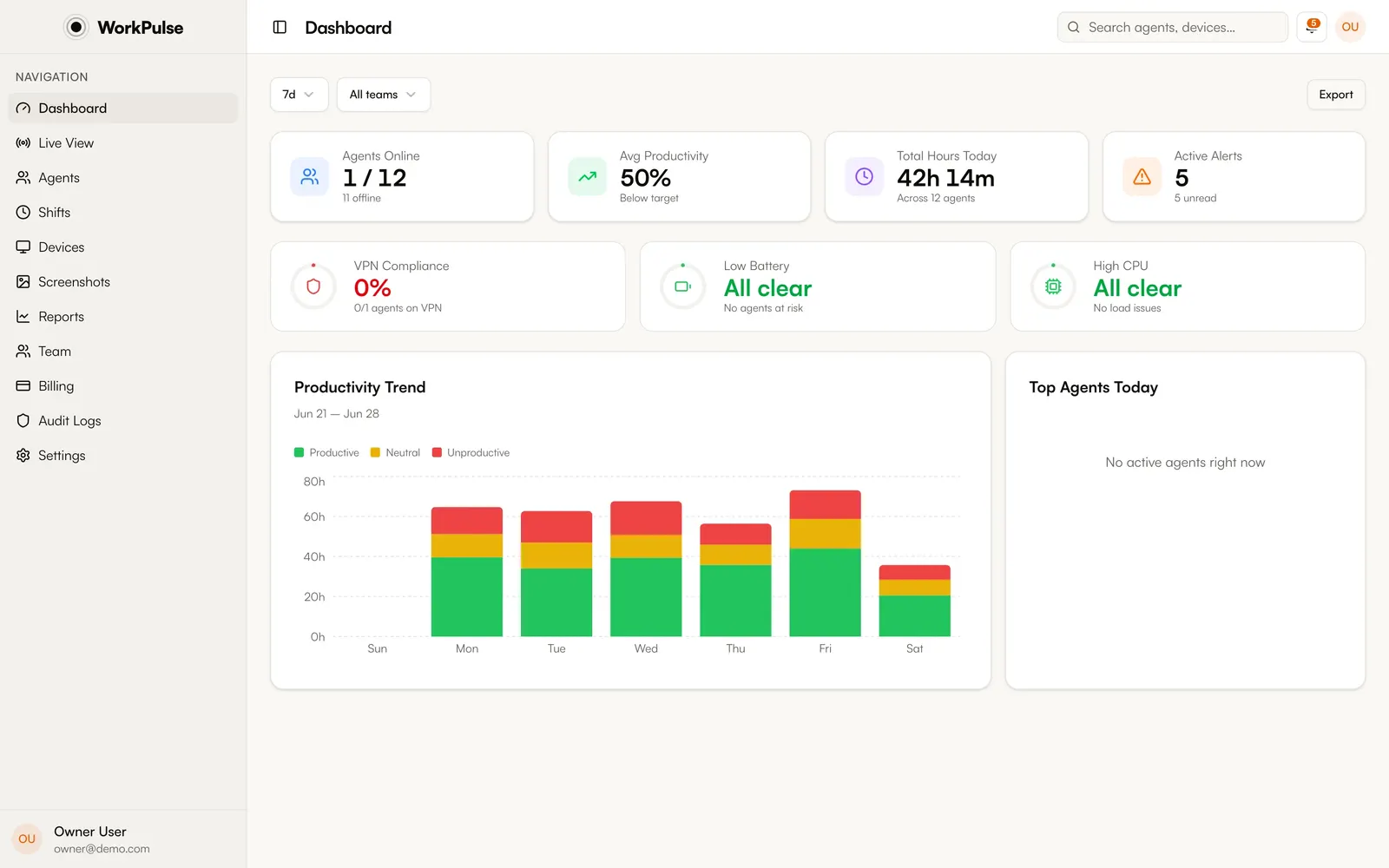
WorkPulse is employee monitoring software built for call centers: it tracks agent shifts and breaks from a tray app, shows live agent status derived from real keyboard and mouse activity, captures automatic screenshots and optional session replay, and scores productivity from actual app and site usage. Supervisors manage the floor from one dashboard; billing is $7 per active seat with all features included.
What changes
What problems does WorkPulse solve for call centers?
-
Problems you only see the next day
BeforeNext-day reports are autopsies.
With WorkPulseWorkPulse shows who is on shift, idle, or over break right now, and notifies supervisors when a pattern breaks.
-
Timesheets nobody trusts
BeforeSelf-reported hours drift from reality.
With WorkPulseShift totals come from real input activity, idle turns into break automatically, and forgotten sessions close themselves.
-
Disputes with no evidence
Before"The system was down." "I was on a call."
With WorkPulseScreenshots, app timelines, and session replay give both sides the same record.
-
Coaching without specifics
Before"Focus more" changes nothing.
With WorkPulsePer-agent top apps, productivity trends, and activity heatmaps show which hours, which apps, which days.
Built for the floor
What supervisors use every shift.
-
Live floor view
Every agent's real-time status (active, idle, on break, offline) on your dashboard within seconds.
-
Shifts & breaks
Tray check-in, auto-break on idle, soft break-policy enforcement, and forgotten sessions closed automatically.
-
Automatic screenshots
Multi-monitor captures with on-device blur of sensitive apps. Evidence without manual effort.
-
Productivity scoring
Per-agent and per-team scores from real app usage, with anomaly alerts and scheduled reports.
Does WorkPulse integrate with our dialer or CRM?
WorkPulse tracks at the OS level: every app and site, including your dialer and CRM, is captured and classified automatically without integration work. Time in the dialer counts however you classify it.
Our agents work night shifts. Does reporting handle that?
Yes. Productivity and activity can be cut by shift rather than calendar day, so overnight teams are measured against their own hours.
What does it cost for a 100-agent floor?
Only seats with 24+ tracked hours in the month are billed, at $7 each. A 100-agent roster where 80 hit the threshold costs $560/month. Trainees, attrition, and bench seats cost nothing.
Can supervisors get alerts instead of watching dashboards?
Yes. Anomaly detection and distraction alerts notify supervisors automatically, and scheduled email reports deliver daily or weekly summaries.
Do employees know they are being monitored?
By default, yes. Visible mode is the default: agents see a consent screen at first run and a status window while monitoring is active. Silent mode exists only as an explicit setting for organizations whose policies permit it.
Run a tighter floor, remote or not.
Set up in under 5 minutes. Pay only for the seats that actually work.
Create Free AccountNo credit card required · Cancel anytime · Uninstall in one click